Connections
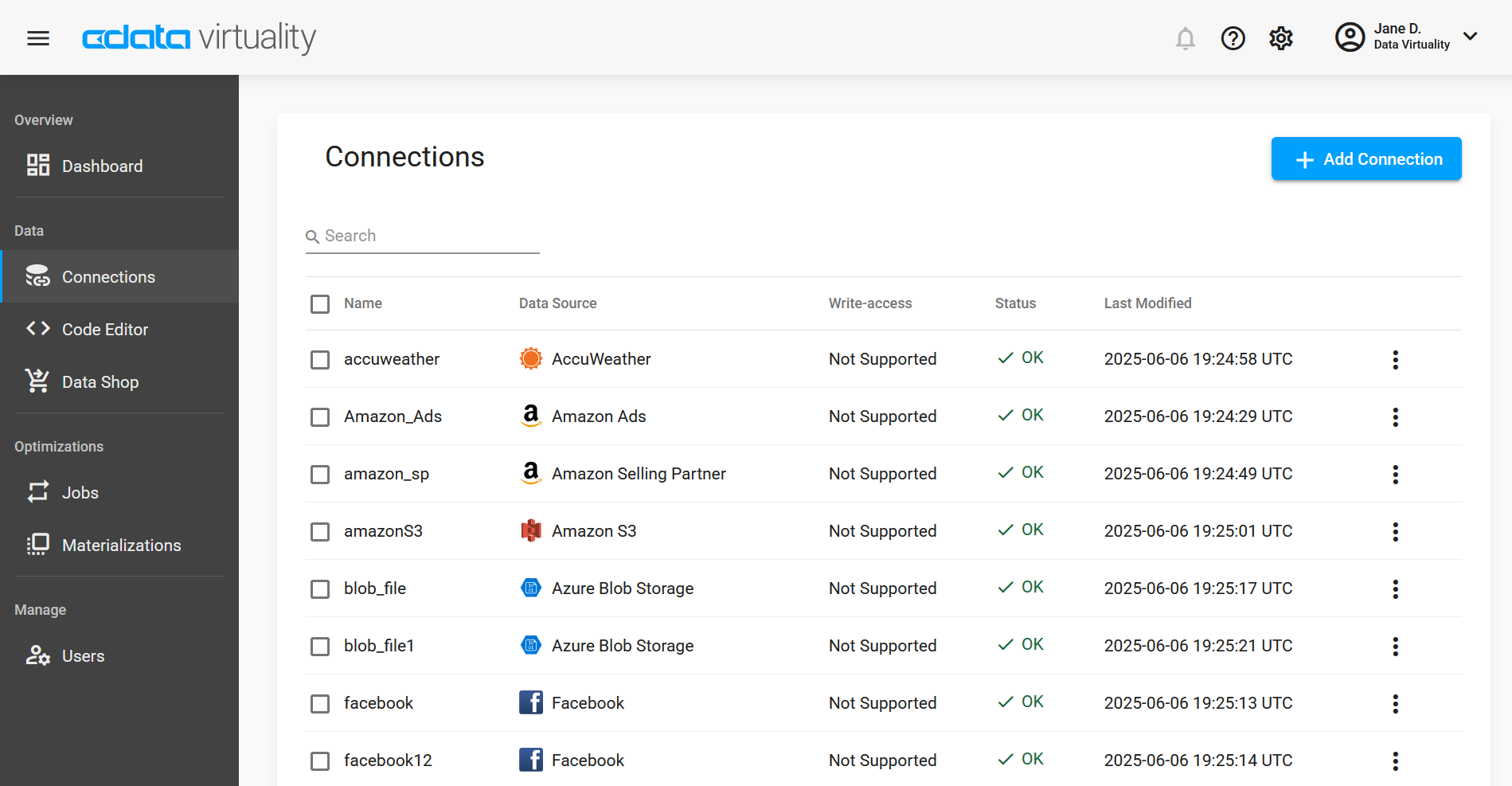
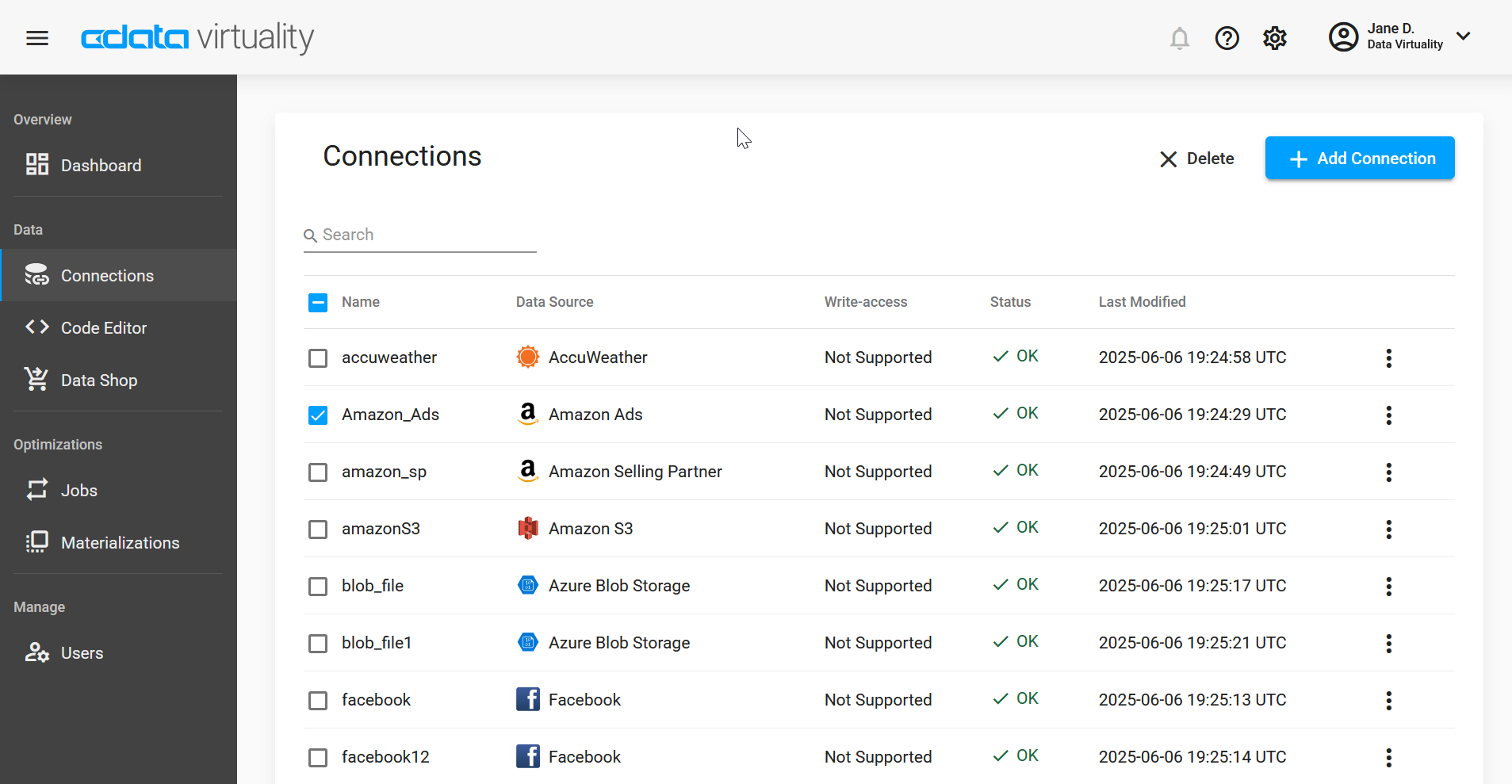
The Connections page provides a list of all data warehouses and data sources you have added in your instance and gives information on the write access support for this connection, its status, and the date and time of last change:
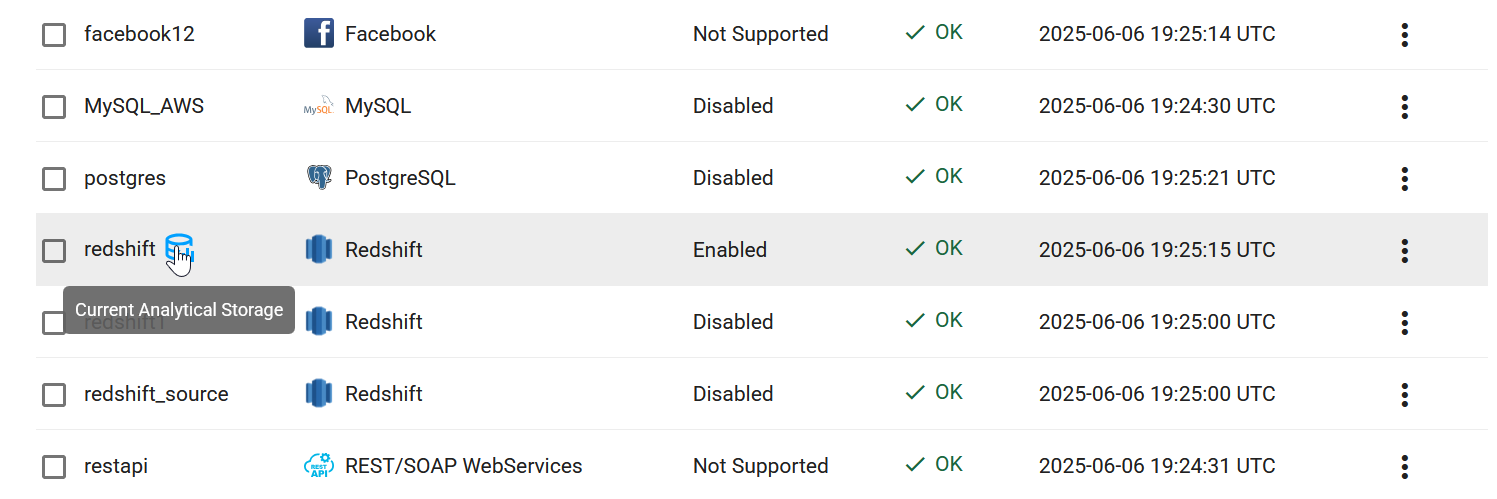
The current analytical storage (in our example, Redshift) is marked with a special icon:
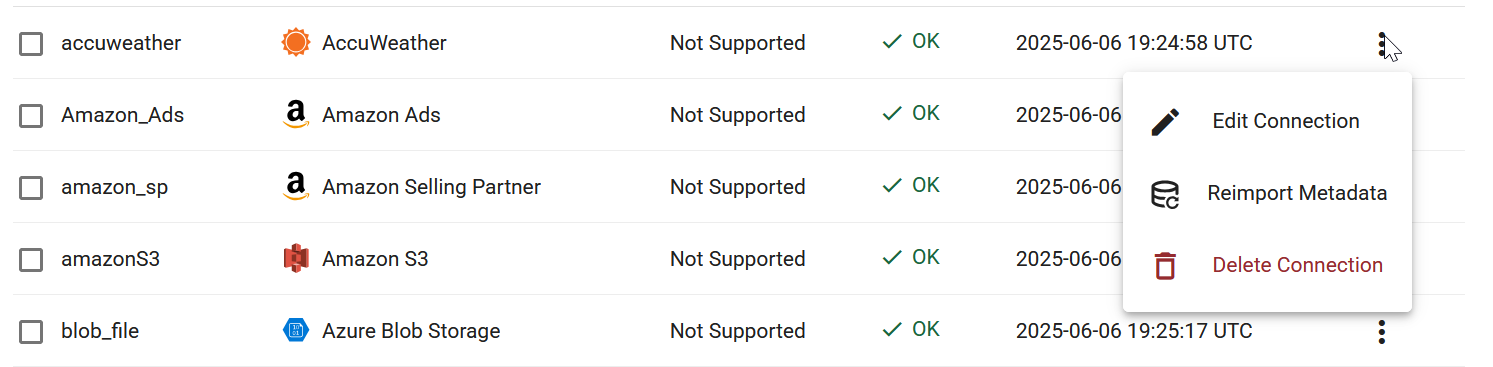
If you want to modify a connection, you can click on the three dots in the last column. You will have three options here: Edit Connection, Reimport Metadata, and Delete Connection.
If you need to delete a connection, you can also select it by checking the box in the first column and clicking the X Delete button which will then appear in the top right corner (you can also select several connections or select them all by checking the Name box):
Adding a Connection
To add a new connection, click the + Add Connection button in the top right corner. The following window will open:
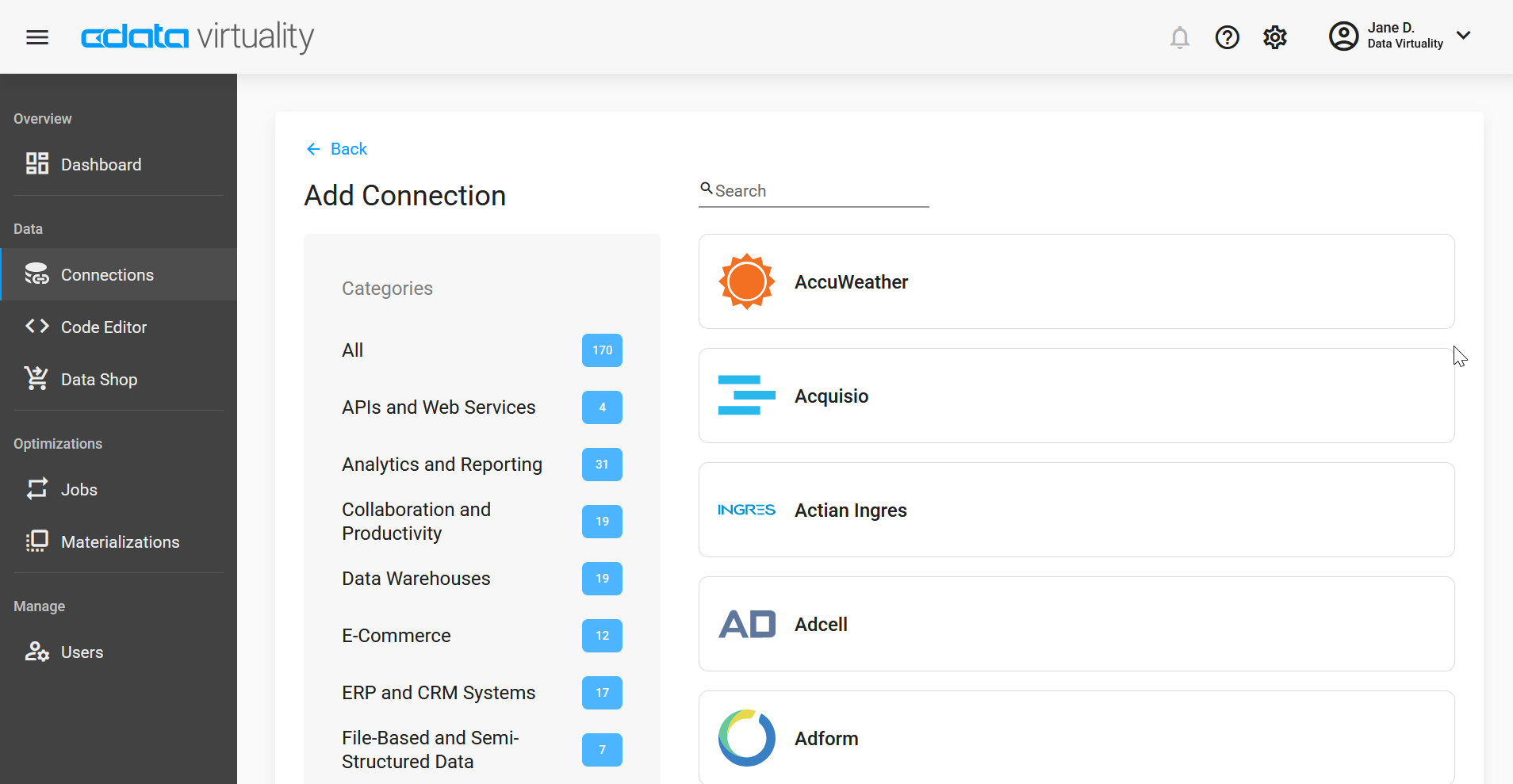
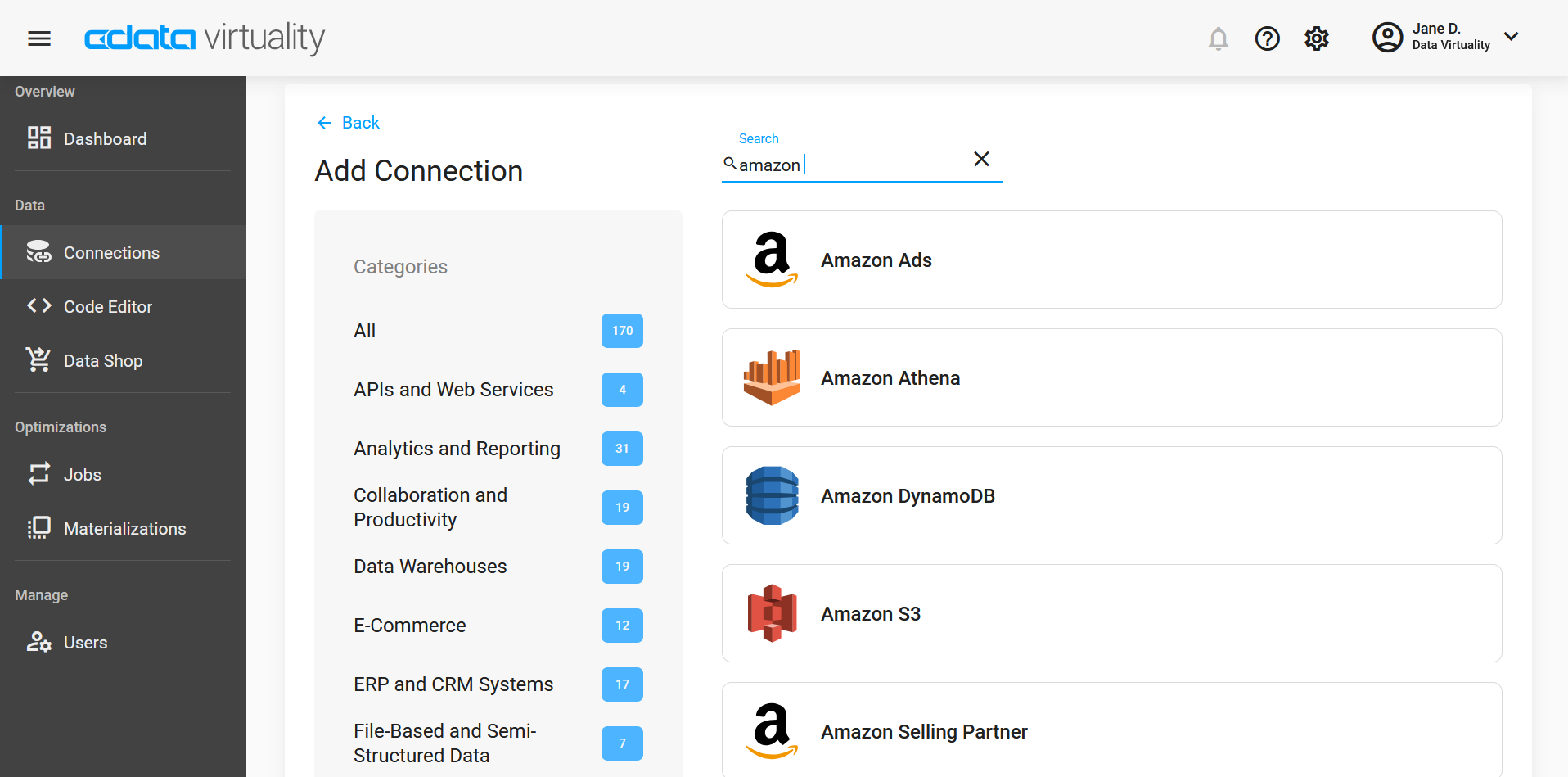
Here, you can select a specific category in the categories list (for example, E-Commerce), or search for the service you want to add. For example, let us try Amazon Athena:
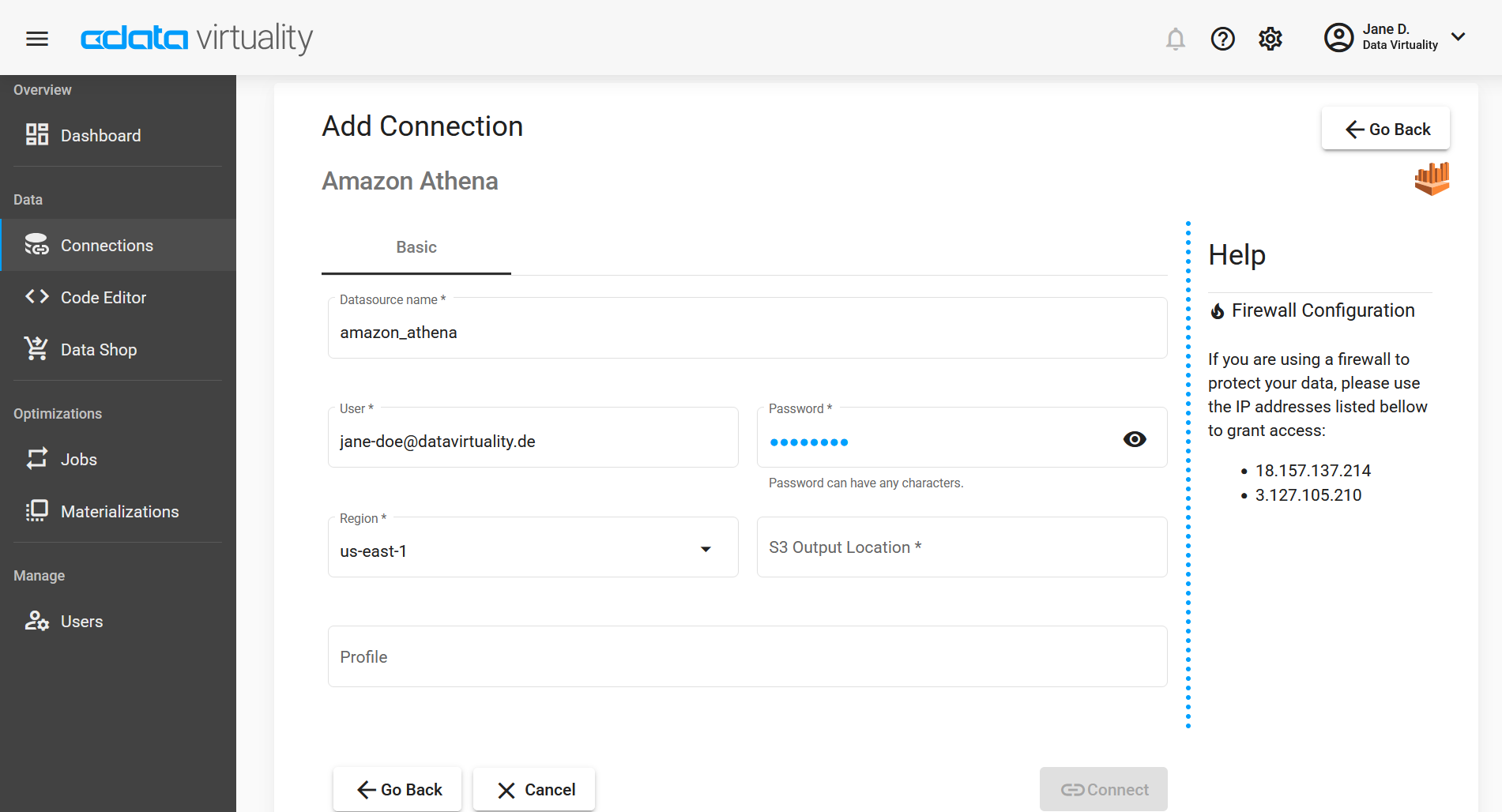
Click the Amazon Athena button to open the connection setup window. Some data may already be filled in, and you can edit them and provide the missing information (the exact fields and required credentials depend on the data source):
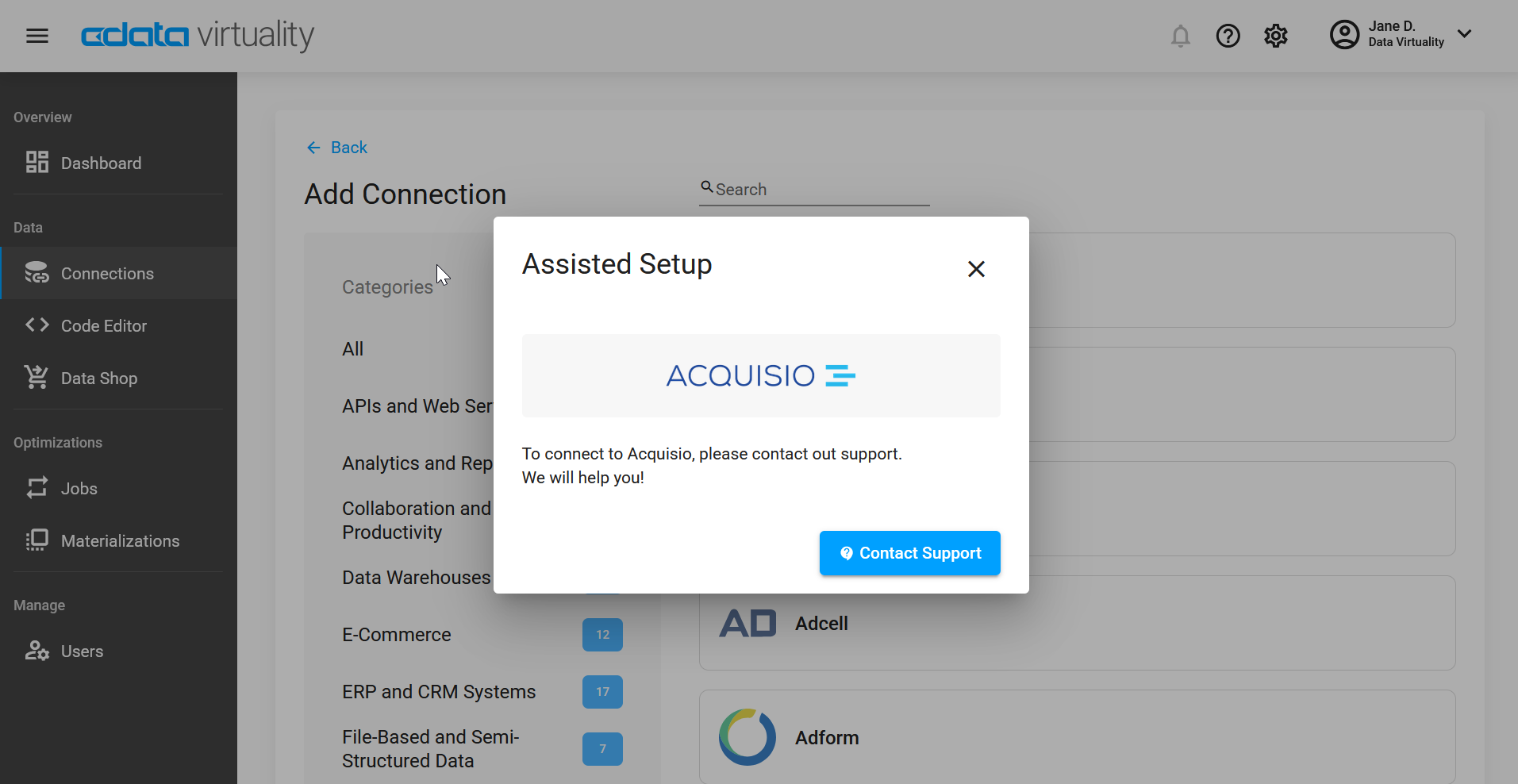
In some cases, when selecting a data source, you may see the notification that this is an assisted setup connector and an invitation to contact our support: