
Skip table of contents

Users

The Users page has two tabs: User Management and Role Management. Both provide a list of users and roles currently existing in the instance and the possibility to view details and manage them.

User Management

On the User Management tab, you can see the list of users, the button for inviting a new user, and the link to the Role Management tab:
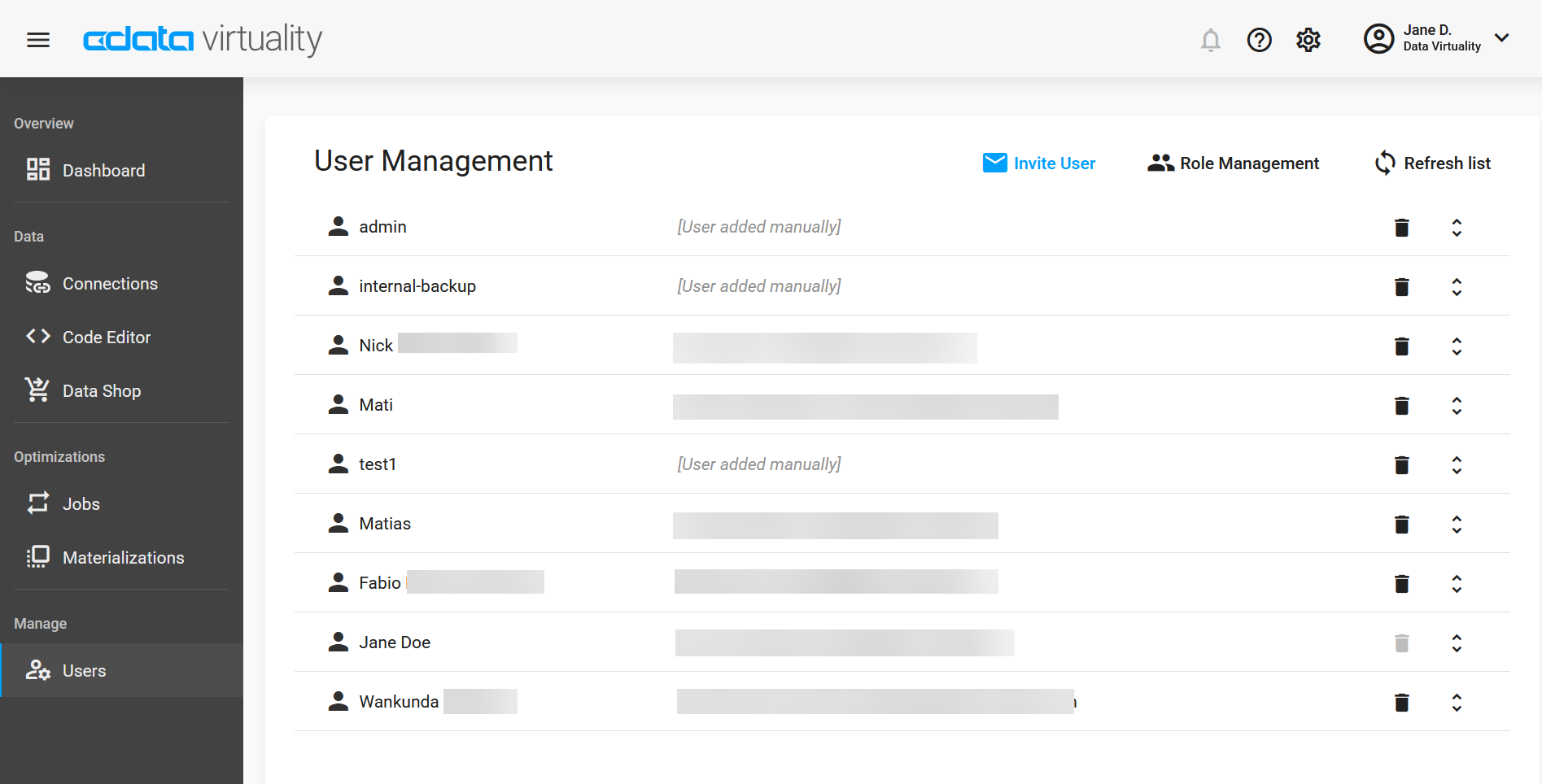
Screenshot of the CData Virtuality Web UI showing the User Management page, listing users with options to invite new users, manage roles, refresh the list, and delete individual user accounts.

If you click the Expand button in the right column, you will see the roles assigned to the respective user and the + Assign Role button, along with a link to the Role Management tab:
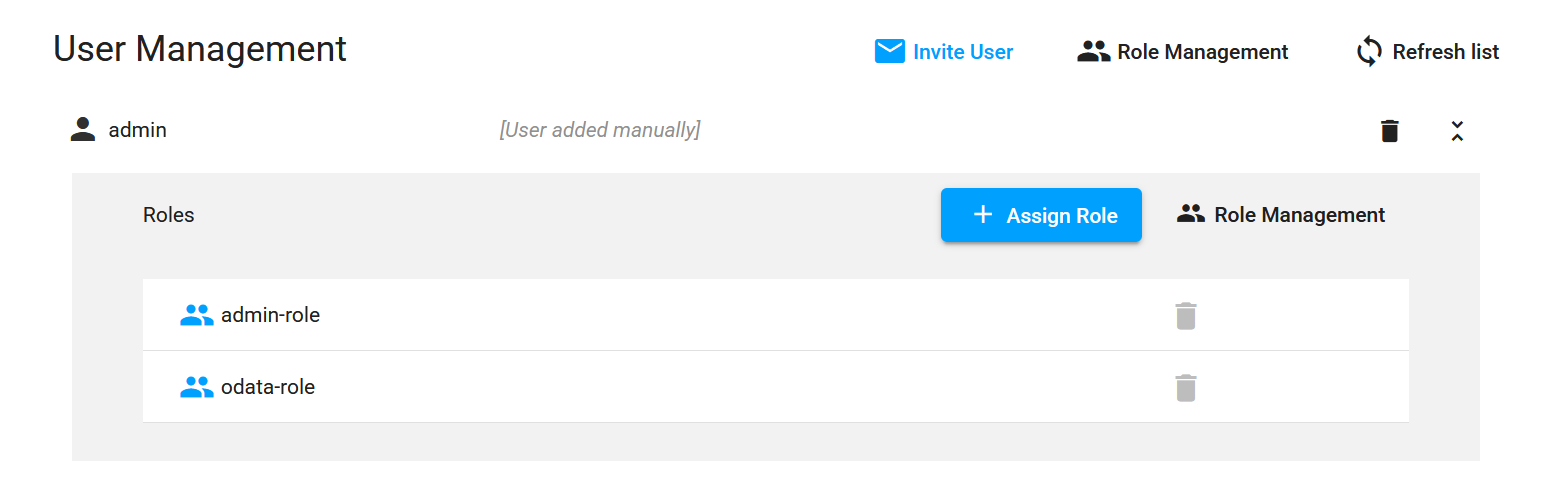
Screenshot of the CData Virtuality Web UI showing an expanded User Management view for the admin user, listing assigned roles such as admin-role and odata-role with options to assign or remove roles.

Clicking the + Assign Role button will open a drop-down list of available roles:
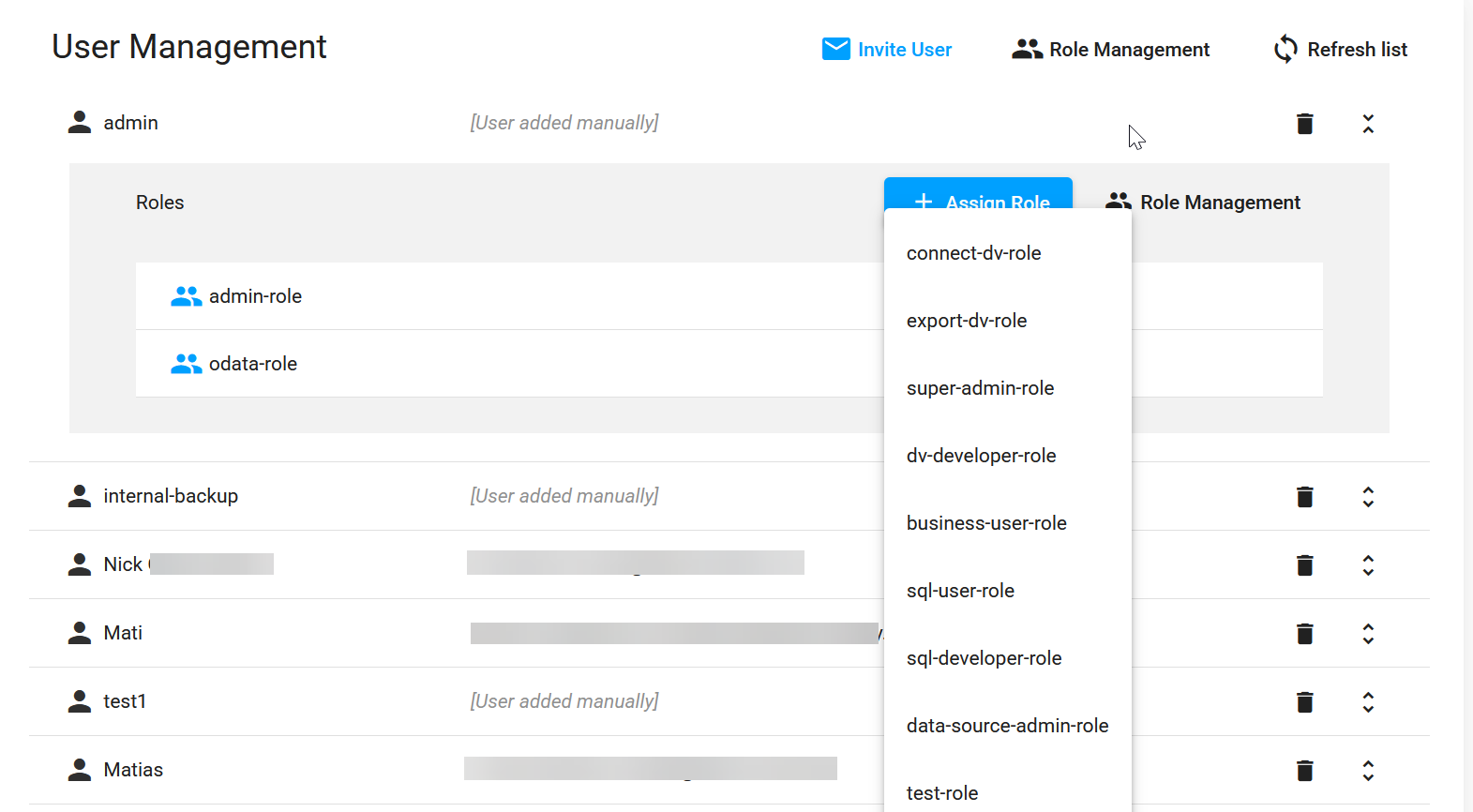
Screenshot of the CData Virtuality Web UI showing User Management with the Assign Role dropdown open for the admin user, displaying available roles such as connect-dv-role, export-dv-role, super-admin-role, sql-user-role, and data-source-admin-role.

Role Management

The Role Management tab displays the list of roles and includes the button for adding a new role and the link to the User Management tab:
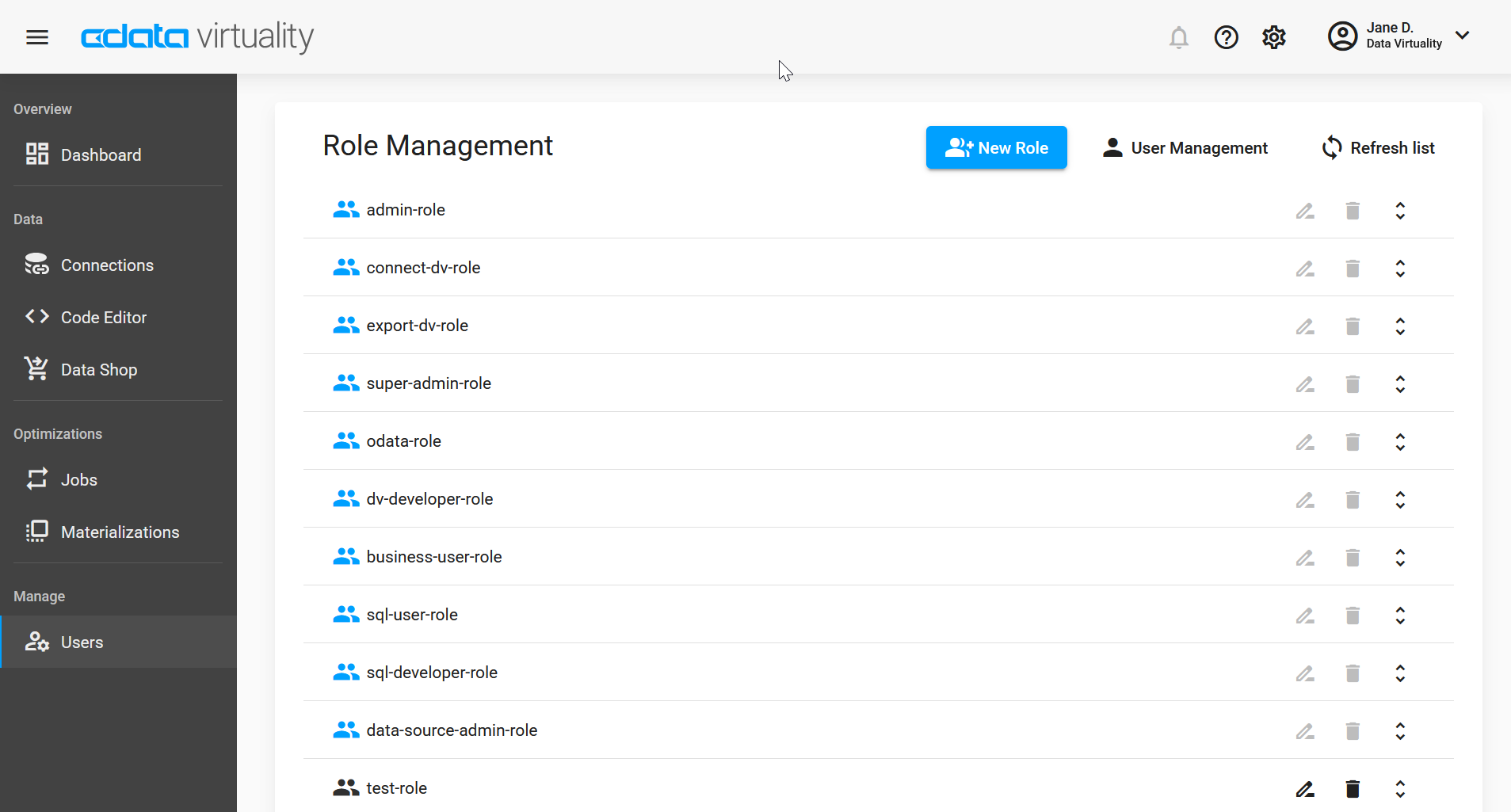
Screenshot of the CData Virtuality Web UI showing the Role Management page, listing roles such as admin-role, connect-dv-role, super-admin-role, and sql-user-role, with options to create new roles, edit existing ones, or delete them.

If you click the Expand button in the right column, you will see the permissions associated to the respective role and + New Permission button:
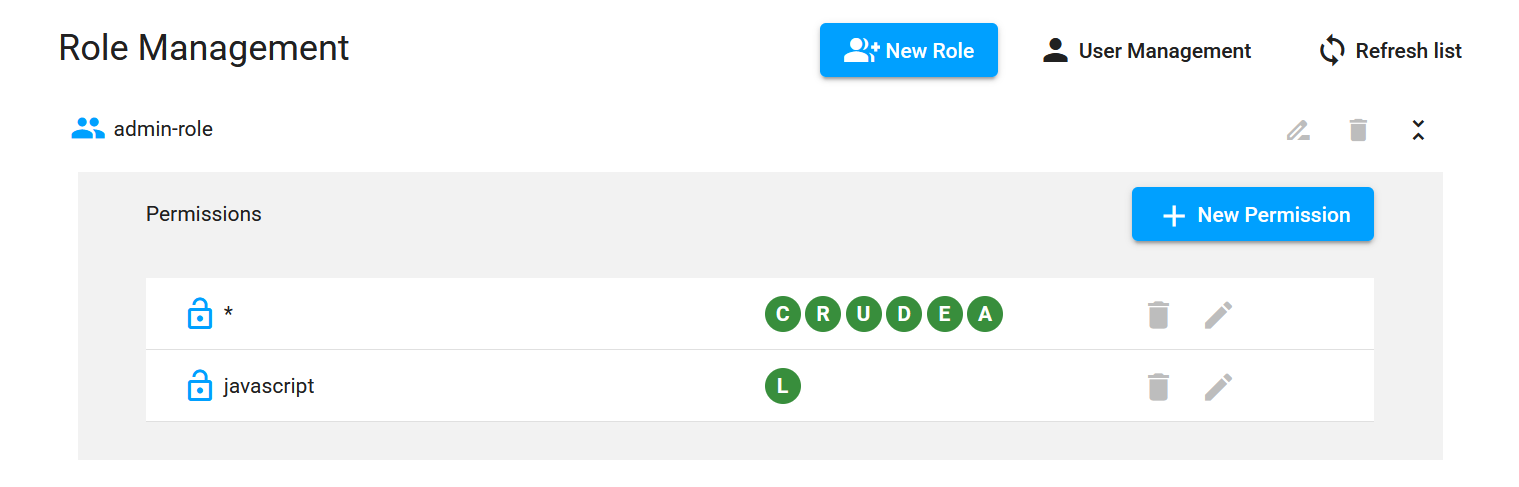
Screenshot of the CData Virtuality Web UI showing Role Management for the admin-role, displaying permissions including a wildcard entry with full CRUDEA rights and a javascript permission with limited access, along with options to add, edit, or delete permissions.
JavaScript errors detected

Please note, these errors can depend on your browser setup.

If this problem persists, please contact our support.